Start Process Actions
Actions in the Start Process group — launching programs and cleaning up windows on the controlled machine.
Start Process is now a top-level menu group. In 0.14.2 these actions were nested under Other → Start Process, and the file-system actions that used to live here moved to the Files group.
Custom Command
Runs any command, script or executable. The action appears as [Desktop] Custom Command or [RDP] Custom Command depending on the connected robot; the RDP variant has extra options because it has to launch the process inside the remote session.
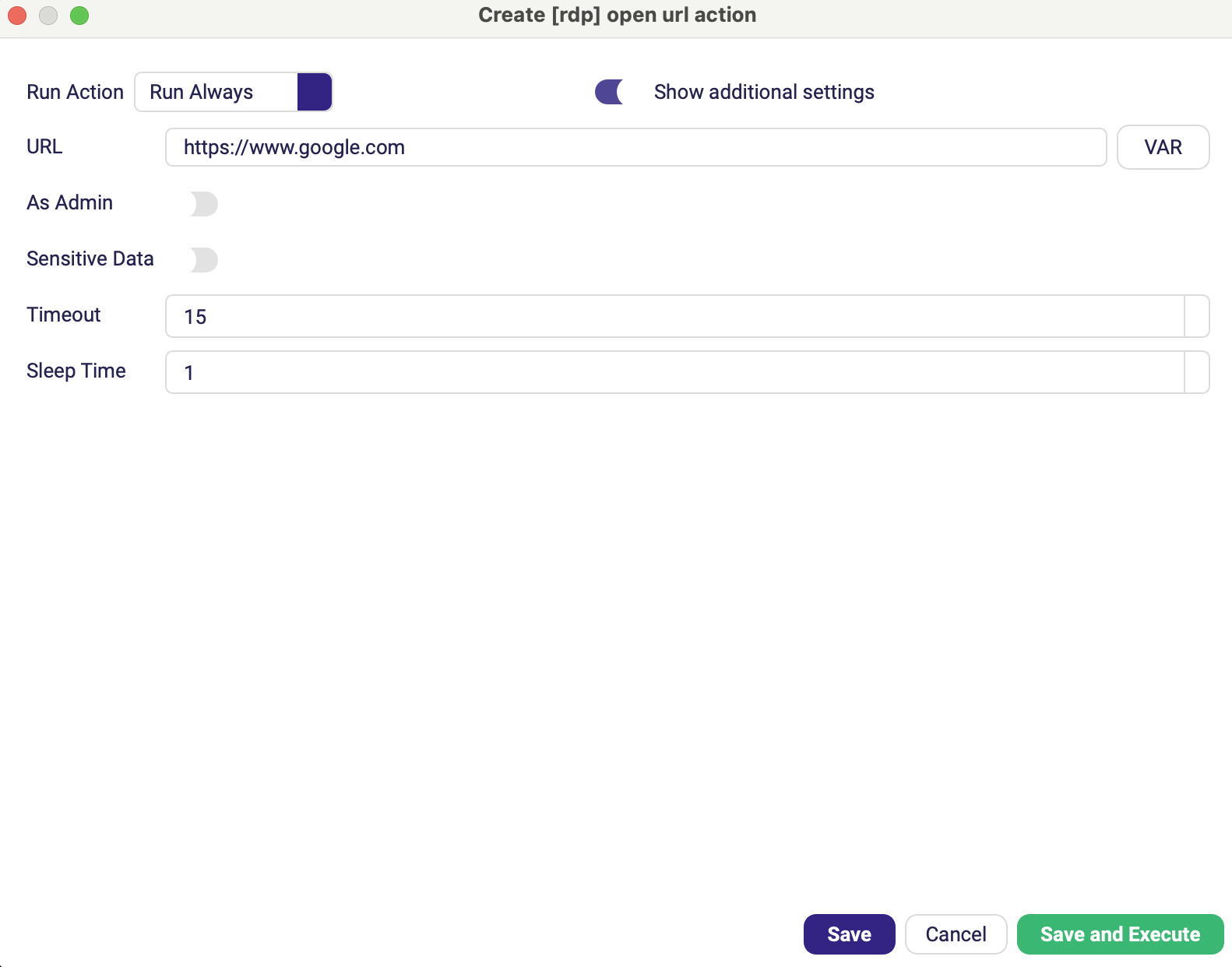
[Desktop] Custom Command
| Parameter | Description |
|---|---|
| Command | Full command line to execute. |
| Capture Output | Waits for the command to finish and fails the step with the command's own error text when it exits with a non-zero code. Default off. |
| Save result to variable | Name of a variable that receives the command's result — a dictionary with exit_code (number), output (what the command printed, standard output and errors merged) and success (True for exit code 0). It is filled even when the step then fails, so e.g. $result['output'] still holds the error text. Optional, and only shown while Capture Output is on. |
[RDP] Custom Command
| Parameter | Description |
|---|---|
| Command | Full command line to execute. |
| Capture Output | Waits for the command to finish and fails the step with the command's own error text when it exits with a non-zero code. Default off. |
| Save result to variable | Name of a variable that receives the command's result — a dictionary with exit_code (number), output (what the command printed, standard output and errors merged) and success (True for exit code 0). It is filled even when the step then fails, so e.g. $result['output'] still holds the error text. Optional, and only shown while Capture Output is on. |
| As Admin | Runs the command elevated. Default off. (Advanced options) |
| Sensitive Data | Keeps the command out of the logs — use it when the command line contains a password. Default off. (Advanced options) |
| Timeout | How long to wait for the process to start, in seconds. Default 15. (Advanced options) |
| Sleep Time | Pause after the process starts, in seconds. Default 1. (Advanced options) |
Without Capture Output the action is fire-and-forget: the robot launches the command and moves straight on, so a failed copy or a crashing script surfaces much later, in an unrelated step. Turn it on when the run should stop at the command that actually failed.
Two things change while it is on:
- On Desktop robots the step waits for the program to exit instead of only waiting for it to start. Do not use it for something you want to leave running — a browser or an application the rest of the scenario drives.
- On RDP robots the command no longer has to fit into the Windows Run box, so long command lines work too.
Close All Windows
Terminates all open application and Explorer windows in the current session. Available on Desktop and RDP robots.
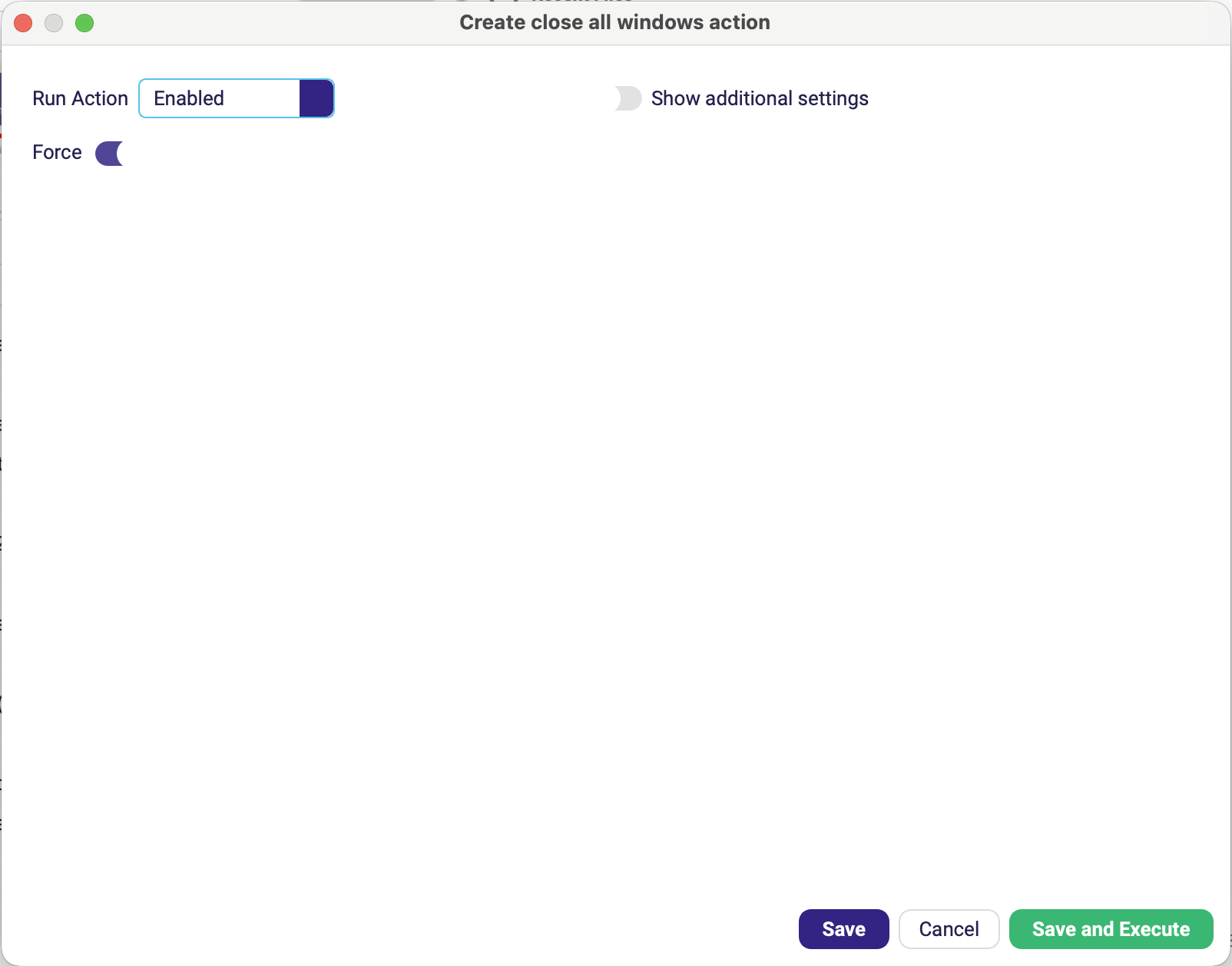
| Parameter | Description |
|---|---|
| Force | Forcibly terminates windows that do not close gracefully. Default off. |
Close All Windows as the last step of a scenario — with Run Action set to Run Always — guarantees the machine is left clean even when the run failed half-way. A leftover modal dialog is the classic reason the next scheduled run fails too.
Related actions
| Need | Action |
|---|---|
| Open a URL in a browser | Open URL (Web) or [RDP] Open URL — Tools |
| Open a folder in Explorer | Open Folder — Files |
| Copy, move or delete files | Files |